VSCode-ObjectScript on GitHub
Not so while ago GitHub introduced, ability to very quickly run VSCode in the browser for any repository hosted there. Press the . key on any repository or pull request, or swap .com with .dev in the URL, to go directly to a VS Code environment in your browser.
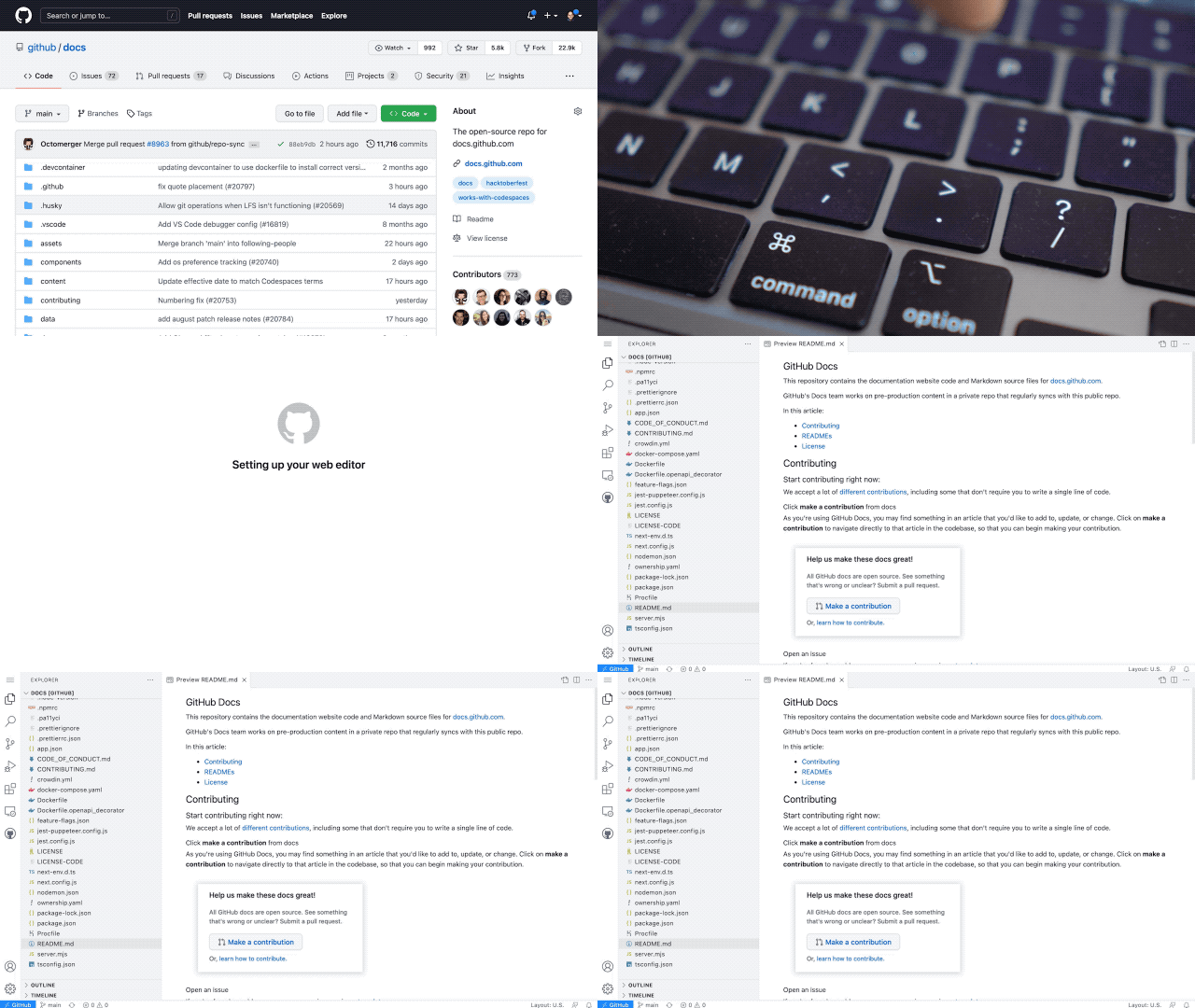
This VSCode is a light version of the Desktop version but works entirely in Browser. And due to this, it has a limitation for extensions which was allowed to work this way. And let me introduce the new version 1.2.1 of VSCode-ObjectScript extension which now supports running in Browser mode.
.png)
What you will need to do, is to open any repository in this new environment, go to extensions, search and install VSCode-ObjectScript extension. Installed once it will be available for any repository, you will open next.
.png)
It's the same extension but has just basic functionality for now. Just syntax highlighting. For sure it does not have access to running IRIS, but some more features, which could be available offline, may appear in the future.
Without GitHub
There is one more option, if you wish to run VSCode in browser, but not tied to any GitHub repo, and just open some of your local folder. It's https://vscode.dev. VSCode-ObjectScript extension became available there as well.
.gif)
Comments
Very cool!
It's indeed convenient if you need to fix the typo in your ObjectScript and can do that just typing "." symbol and can make changes even from iPad :)
ObjectScript plugin installation worked perfectly!
Thanks, @Dmitry Maslennikov for sharing!
💡 This article is considered as InterSystems Data Platform Best Practice.
People are inventive. Cool.
Great to know about!! Thank you for your work to make this happen :) (this ties into recent discussions I had about cloud initiatives with browser-based IDEs).
I think this is not working anymore. I tried installing the v2.12.6 but got the message that the extension is not available from Visual Studio Code for the Web 🙁
This is caused by how version 2.12.0 and above of the ObjectScript extension depends on the Server Manager extension, which hasn't yet been made compatible with VS Code in the browser.
I have created https://github.com/intersystems-community/intersystems-servermanager/is…
Workaround is to use the gearwheel on the extension's detail page, then choose to install the latest pre-2.12 version.